Press
Updated April 2026
Press resources and downloadable assets for PromptPaste - your private AI prompt library for Mac, iPhone, and iPad.
At a glance
- Name
- PromptPaste
- Tagline
- Your private AI prompt library
- Category
- Productivity
- Platforms
- macOS 14 Sonoma and later, iOS 17 and later, iPadOS 17 and later
- Pricing
- $59.99/year with a 7-day free trial, $3.99/week, or $149.99 one-time
- Launch
- April 2026
- App Store
- apps.apple.com/app/id6761006977
- Published by
- Ivan Terechin (Toolshare.ai LLC)
- Press contact
- press@getpromptpaste.com
About PromptPaste
One-liner. PromptPaste is your private AI prompt library - save your best prompts once, paste them into any AI tool in one tap.
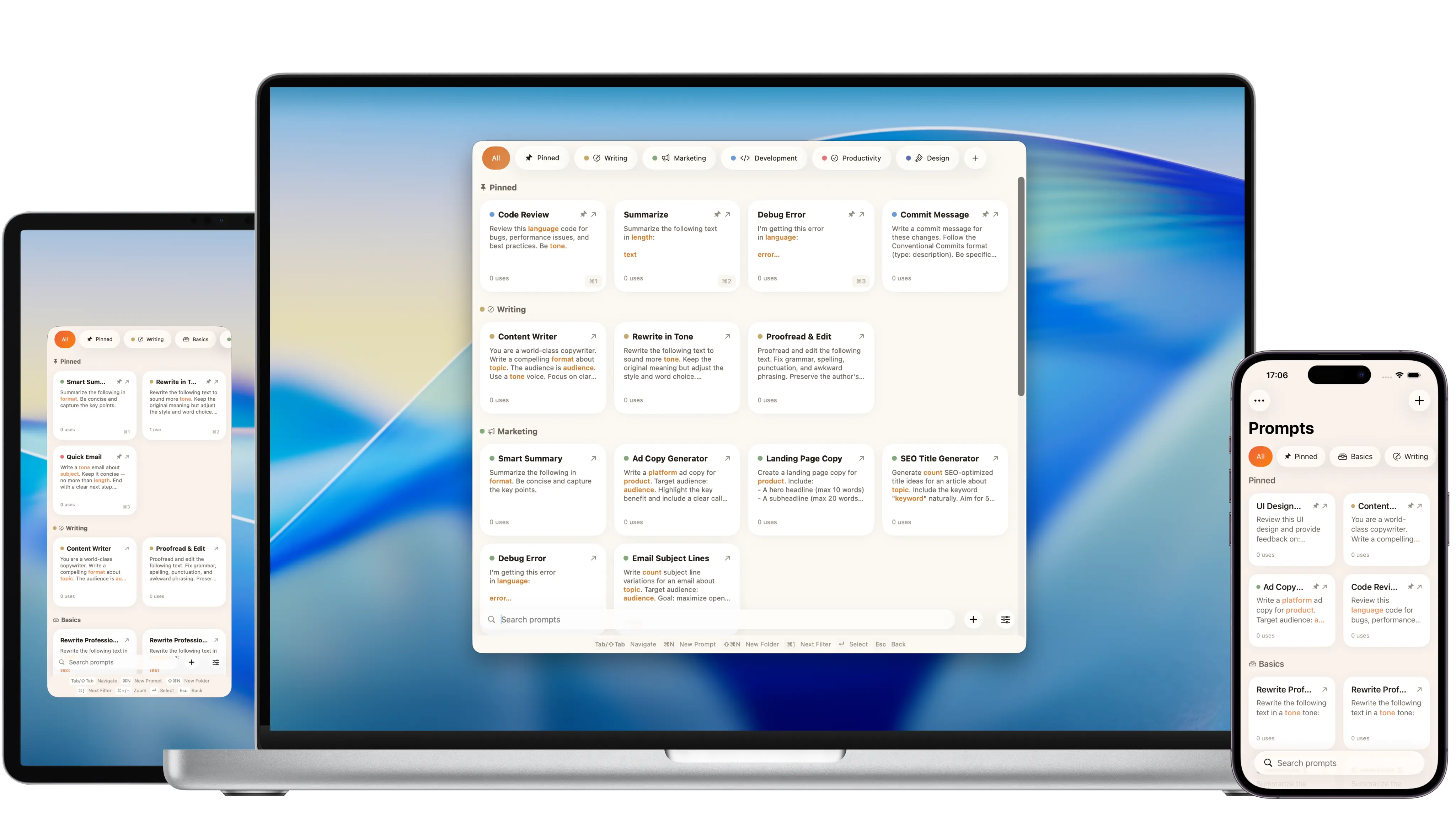
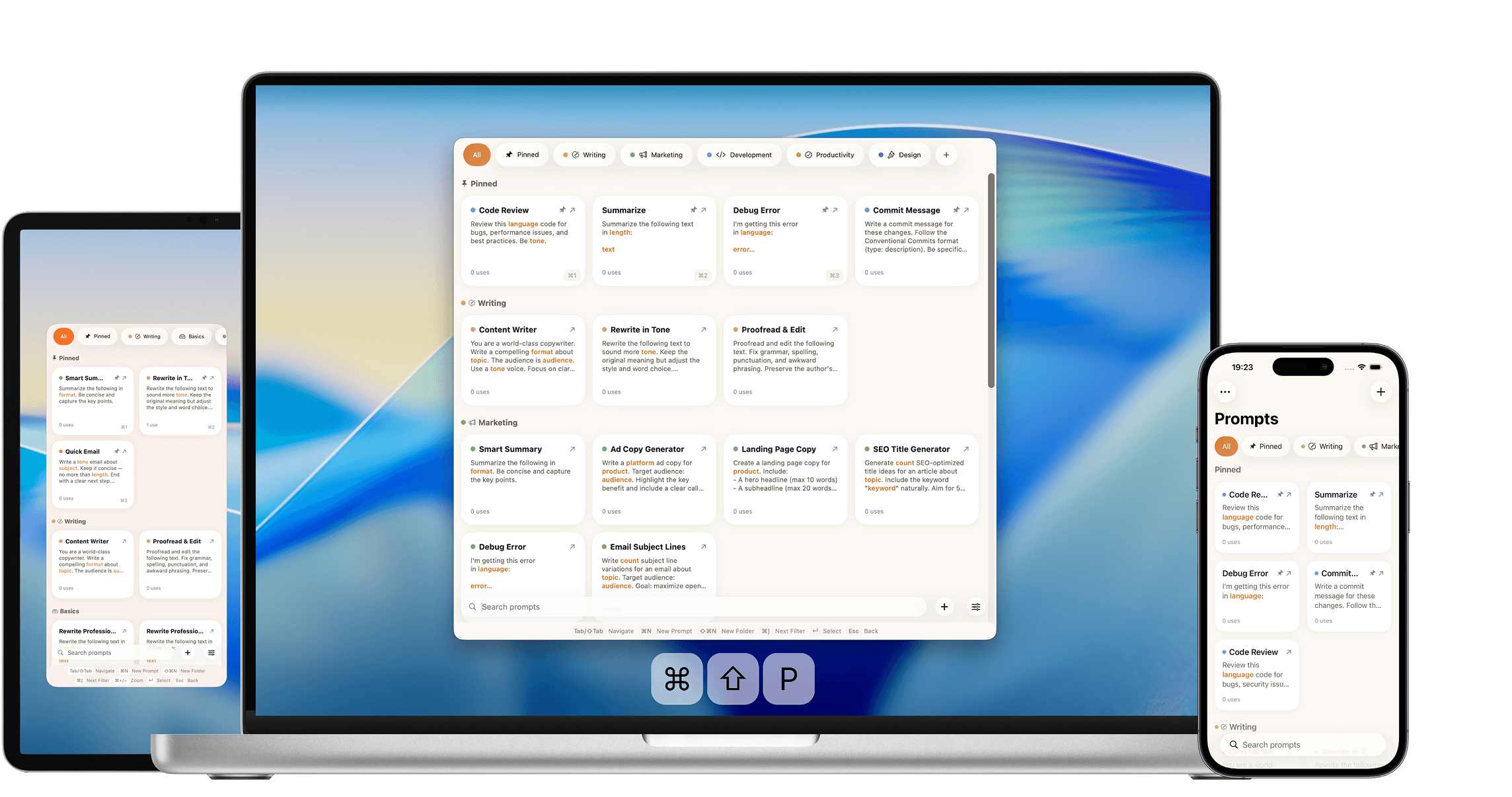
One paragraph. PromptPaste is the fastest way to save, organize, and paste AI prompts - built natively for Mac, iPhone, and iPad. On Mac, a keyboard shortcut brings up your prompt library from anywhere. On iPhone and iPad, a card grid, Widget, and Share Extension put every prompt one tap away. Dynamic templates with fill-in fields turn one prompt into dozens. Made for writers, marketers, founders, students, creators - anyone who reuses AI prompts.
Why we built it
Your AI has more to give. It's in how you ask.
The gap between a good AI result and a great one is almost always the prompt. The role, the constraints, the format, the tone, the examples - specifying all of that unlocks a different level of output. But writing that careful prompt takes real time, and most of us don't have a minute every time we type into an AI.
PromptPaste closes the gap. Write the careful prompt once, reuse it in one keystroke forever. Dynamic templates turn one prompt into dozens - leave the parts that change (topic, audience, whatever) as blanks, fill them in at paste time, copy. You get the high-ceiling result every time, at the cost of the quick one.
And for the times you need a prompt for something you've never prompted for before - a legal brief, a meeting recap, a short film, an illustration - a built-in AI helper drafts a careful starting point you can edit and save. It runs entirely on-device through Apple Intelligence, so the topic you type stays on your device.
Downloadable assets
All assets are served from this domain. Right-click or tap "Download" to save locally.
App icon
Download app icon (PNG)
Social card
Download social card (JPEG)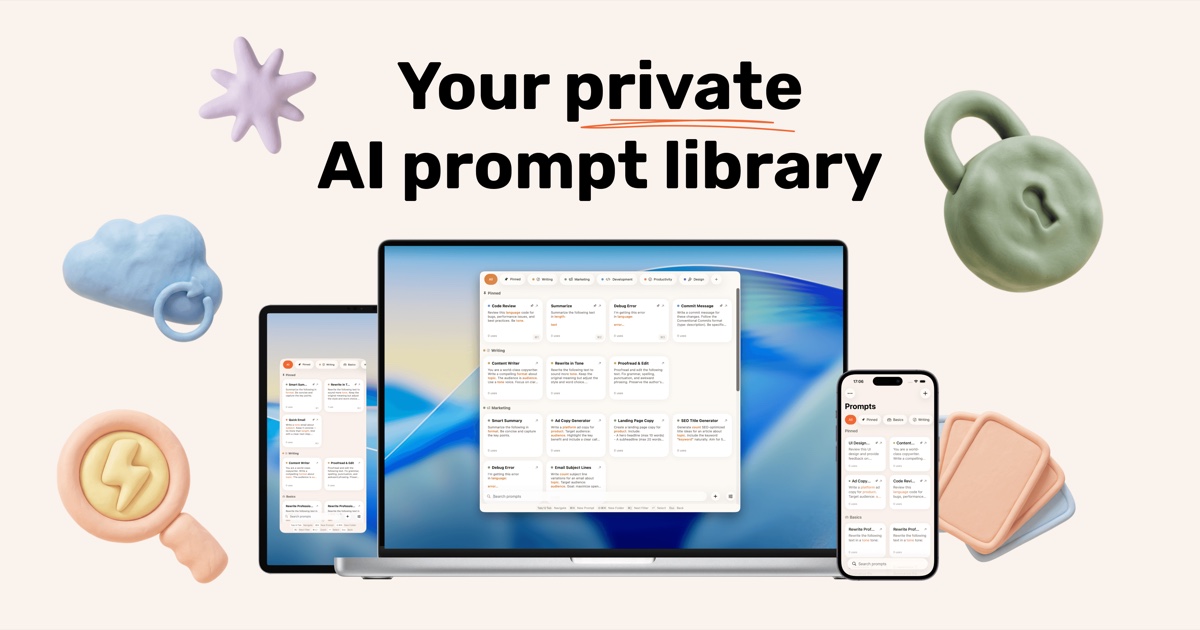
Privacy and contact
PromptPaste is private by default. Prompts stay on the user's device and in their private iCloud - we never see their contents. AI drafting runs on-device through Apple Intelligence. No accounts, no logins. Anonymous product analytics (event counts only, no prompt content) are disclosed on our privacy page.